Never lose a receipt or miss a deadline again.
Organize receipts, warranties, subscriptions, and return deadlines in one place. Stay on top of every purchase with smart reminders and powerful search.
No credit card required · Privacy-first — we never sell your data.
3
Ways to get a receipt in: Outlook, custom IMAP or upload
3
Deadlines Vaultiq keeps an eye on: returns, warranties, renewals
14 · 7 · 3 · 1 · 0
Days before a deadline that Vaultiq reminds you
Purchase paperwork is scattered — and that can cost you
Not a scare story, just how digital buying works today.
Return windows pass quietly
A return period only counts while it lasts. Miss it and you keep something you meant to send back.
Receipts are hard to find again
Without the receipt or invoice, a return or warranty claim gets a lot harder than it needs to be.
Subscriptions keep charging
A trial or renewal you forgot about carries on billing until you notice it.
Everything lives somewhere else
Mailboxes, screenshots, photos and downloads — purchase proof ends up spread across apps.
From receipt to reminder, in one place
A representative example of what happens after a purchase document lands in Vaultiq. Not every receipt contains a return window — when one does, Vaultiq keeps it in view.
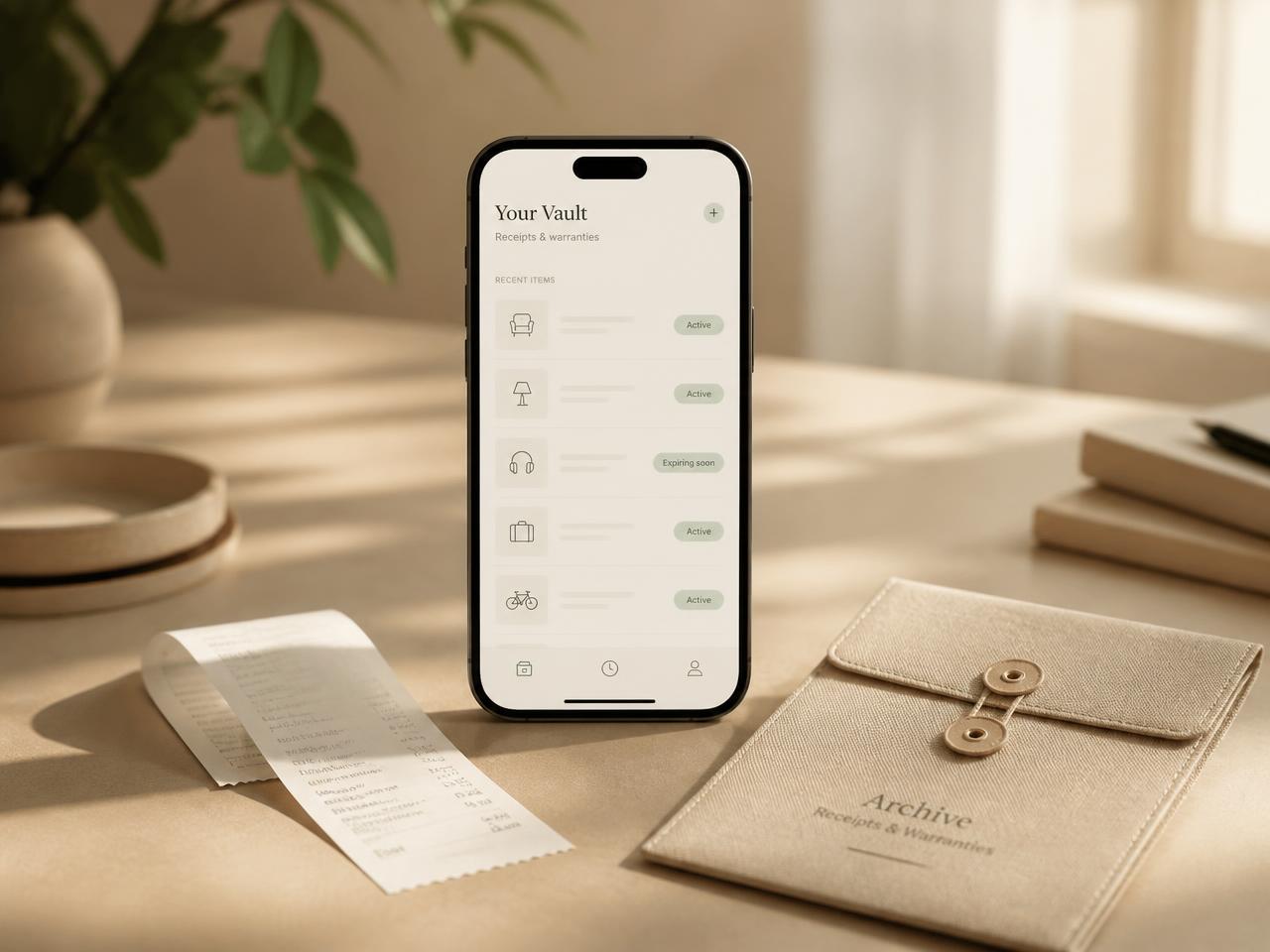
A calm overview of everything you've bought
Receipts, warranties and deadlines, kept quietly in one place.
Organize your purchases automatically — in three steps
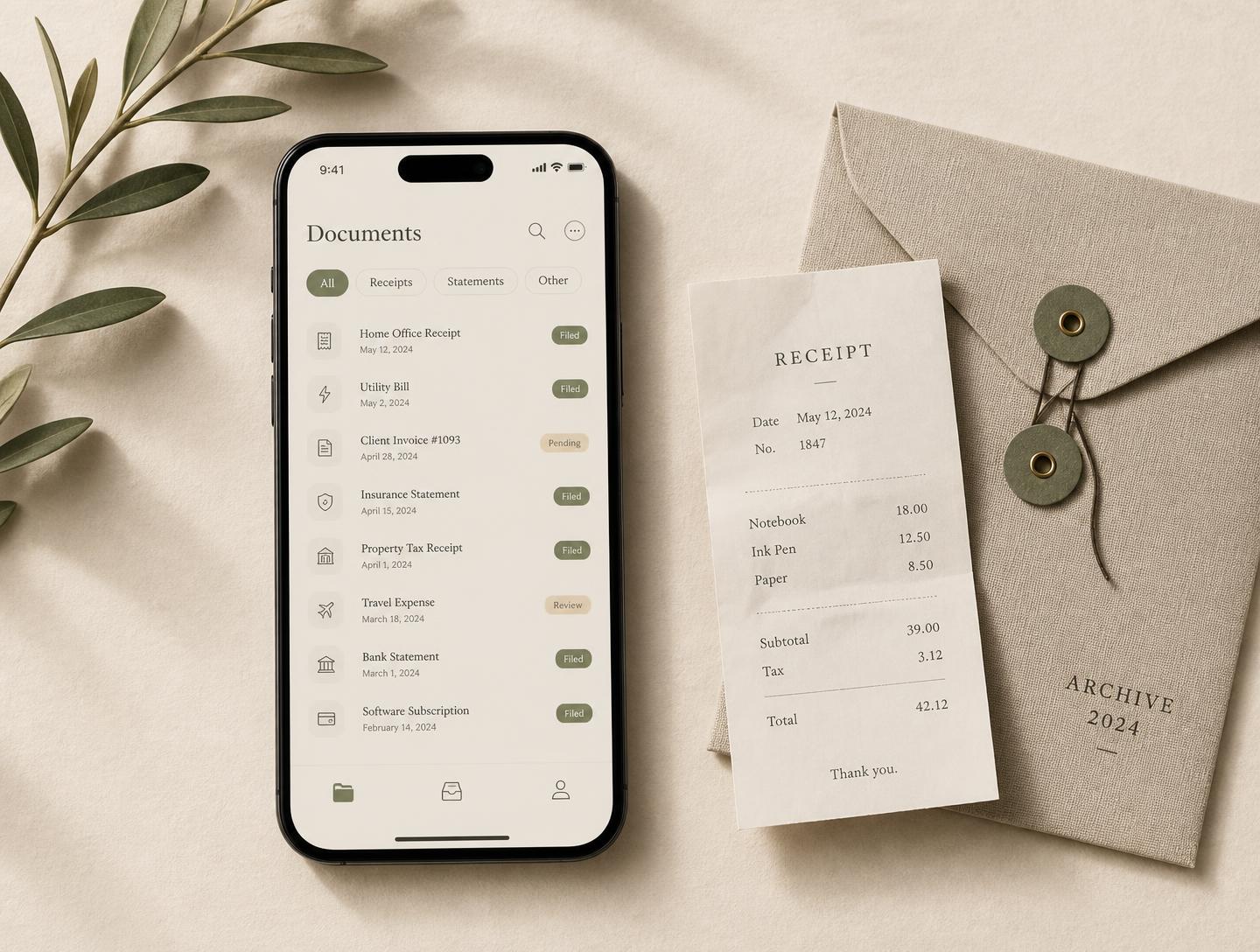
- 1
Connect or upload
Connect your Outlook inbox or an IMAP mailbox, or upload receipts and invoices yourself.
- 2
Vaultiq organizes it
Vaultiq reads each document and sorts it into receipts, invoices, warranties, returns and subscriptions — automatically.
- 3
Stay in control
Get one clean overview with smart reminders, searchable storage and a clear view of every subscription.

The things you would otherwise forget
Return windows, warranties and renewals sit in one quiet list, sorted by what runs out first — so nothing expires unnoticed.
Illustrative example — not real customer data.
Needs attention
3 openSony WH-1000XM5
Coolblue · return closes 23 Aug
Dyson V15
MediaMarkt · return closes 2 Sep
Bosch dishwasher
Warranty until March 2029
Zalando order #48213
Receipt stored · €128,45
What changes once your purchases live in Vaultiq
Every receipt in one place
Import from Outlook or IMAP, or upload yourself — receipts and invoices stay together instead of scattered.
You don’t miss return windows
Return windows stay visible and you get a reminder before one closes.
You keep the proof you need for warranty claims
See what's covered and until when, with the proof of purchase ready when you claim.
No renewal takes you by surprise
Recurring payments and upcoming renewals stay in view, so you decide before you are billed.
You find any purchase in seconds
Search by store, product or document instead of digging through your mailbox.
Your proof stays organized
Receipts, invoices and warranty documents stay stored and sorted per purchase.
Built to be private, honest and dependable
Your account, your access
IMAP mailbox passwords are stored encrypted. Your items stay in your own account and are only shared if you add someone to your household. No ads, no selling your data.
Stay in control of your data
Delete individual items or permanently delete your account whenever you choose, and disconnect a mailbox at any time. Household sharing only happens when you explicitly invite someone.
Works with Outlook, IMAP & uploads
Connect a custom mailbox or simply upload documents yourself — your choice.
Your privacy choices stay yours
Nothing optional loads until you choose: analytics and marketing stay off by default, and you can change or withdraw your choice any time under Cookie settings.
Questions, answered
- Vaultiq is a calm, mobile-first vault that automatically collects and organizes your purchase receipts, invoices, warranties, returns and subscriptions — so everything important is in one place.
Related guide: Manage your entire purchase library